33 ALERTS gives guests, students, employees, vendors and visitors a simple way to report safety, security, maintenance and service concerns using the smartphone they already carry.
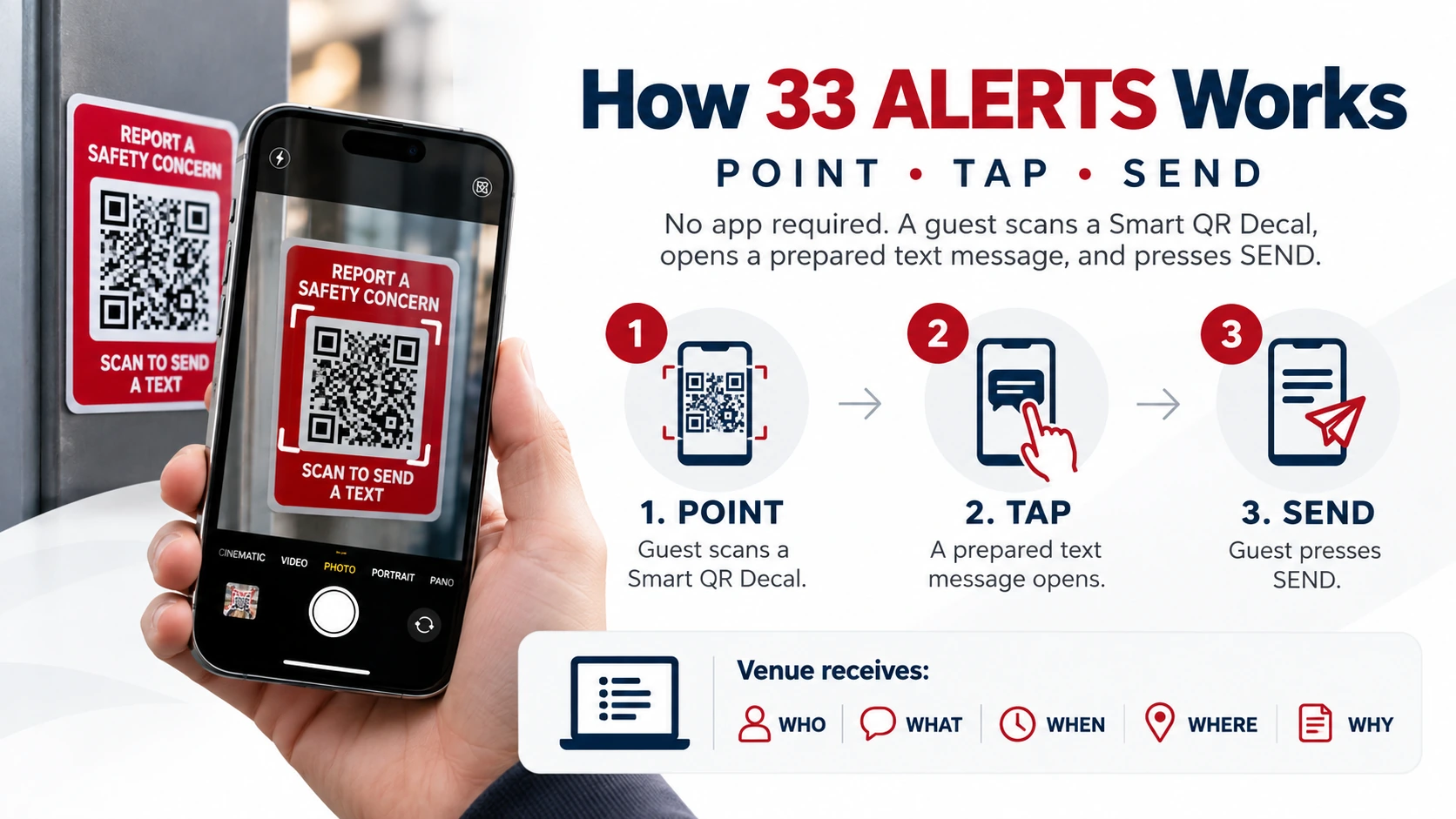
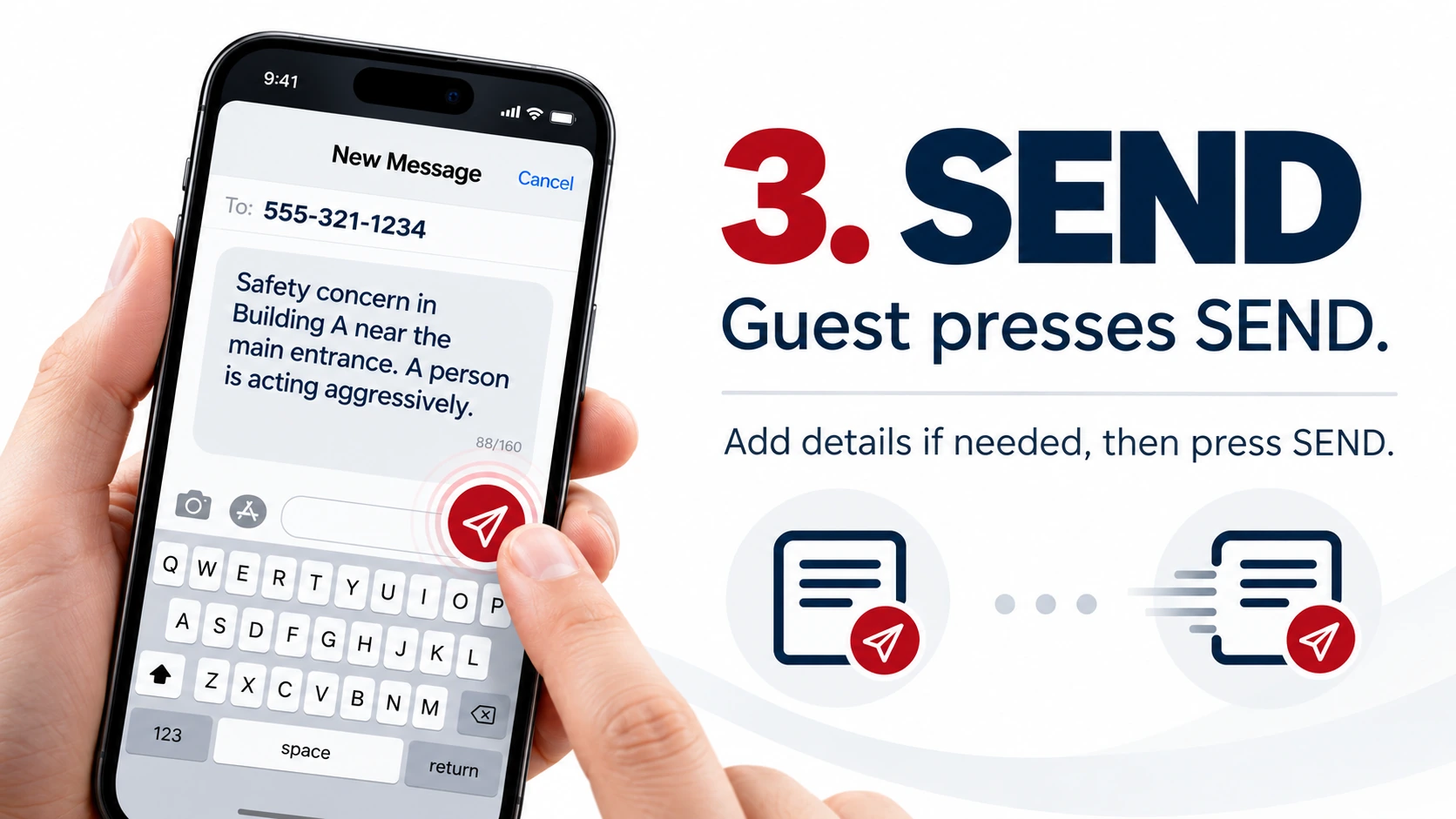
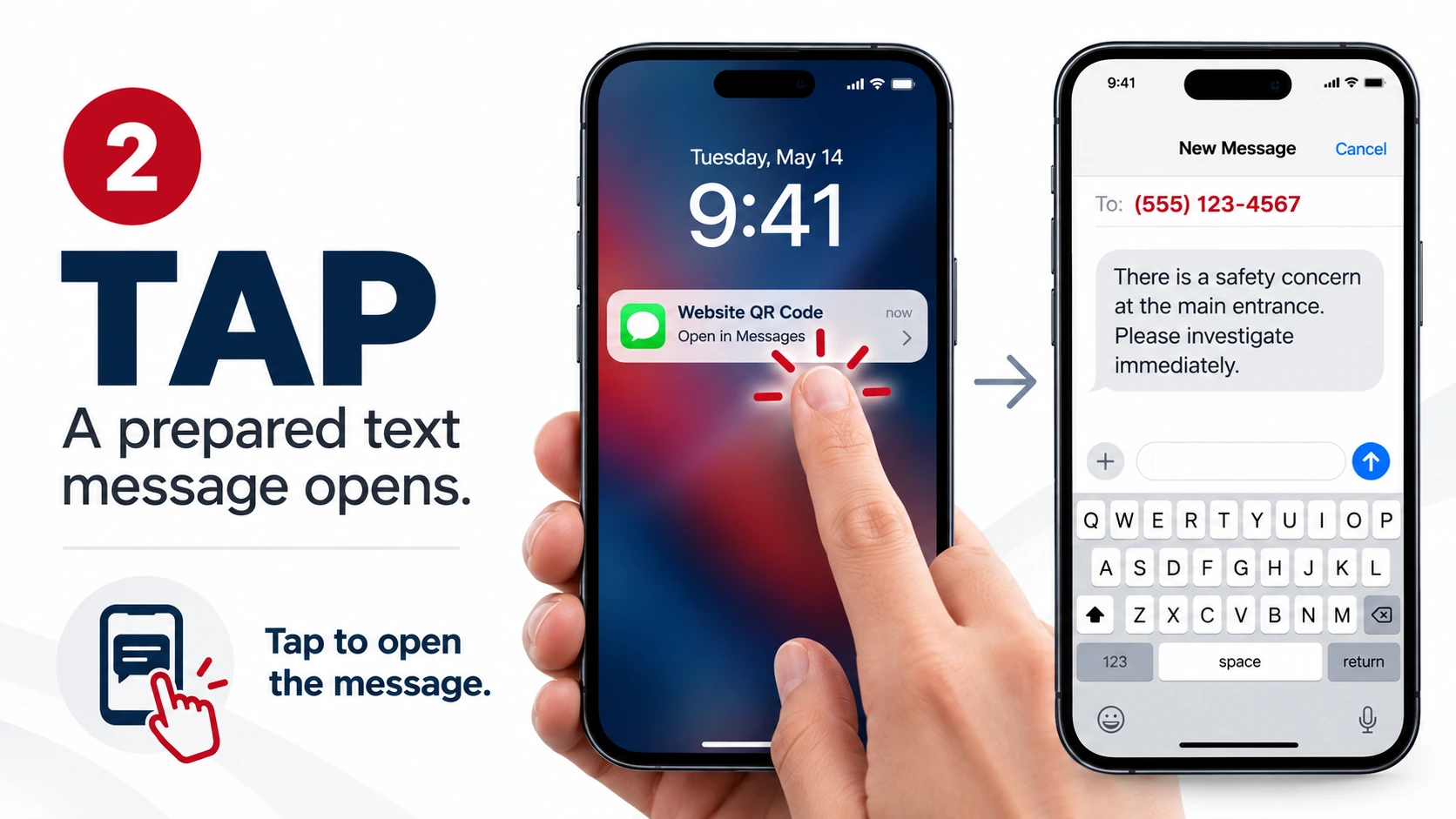
No 33 ALERTS app is required. The user scans a Smart QR Decal, opens a prepared SMS text message and presses SEND.
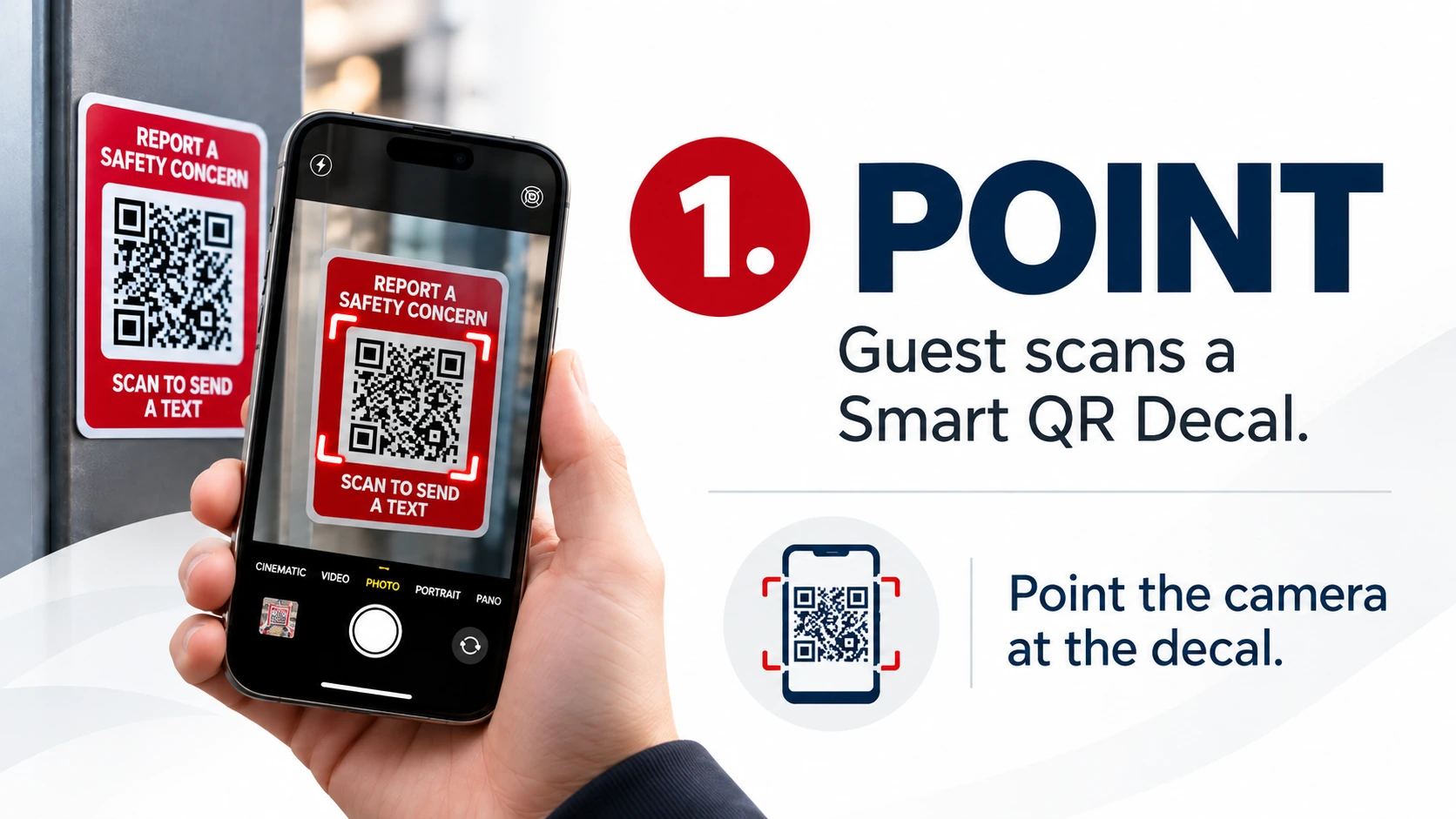
Point the smartphone camera at a 33 ALERTS Smart QR Decal. Each decal contains a unique QR code that is registered to a specific physical location within the facility.
When the QR code is recognized, the user taps the notification on the phone. A prepared SMS message opens using the phone's existing text messaging capability.
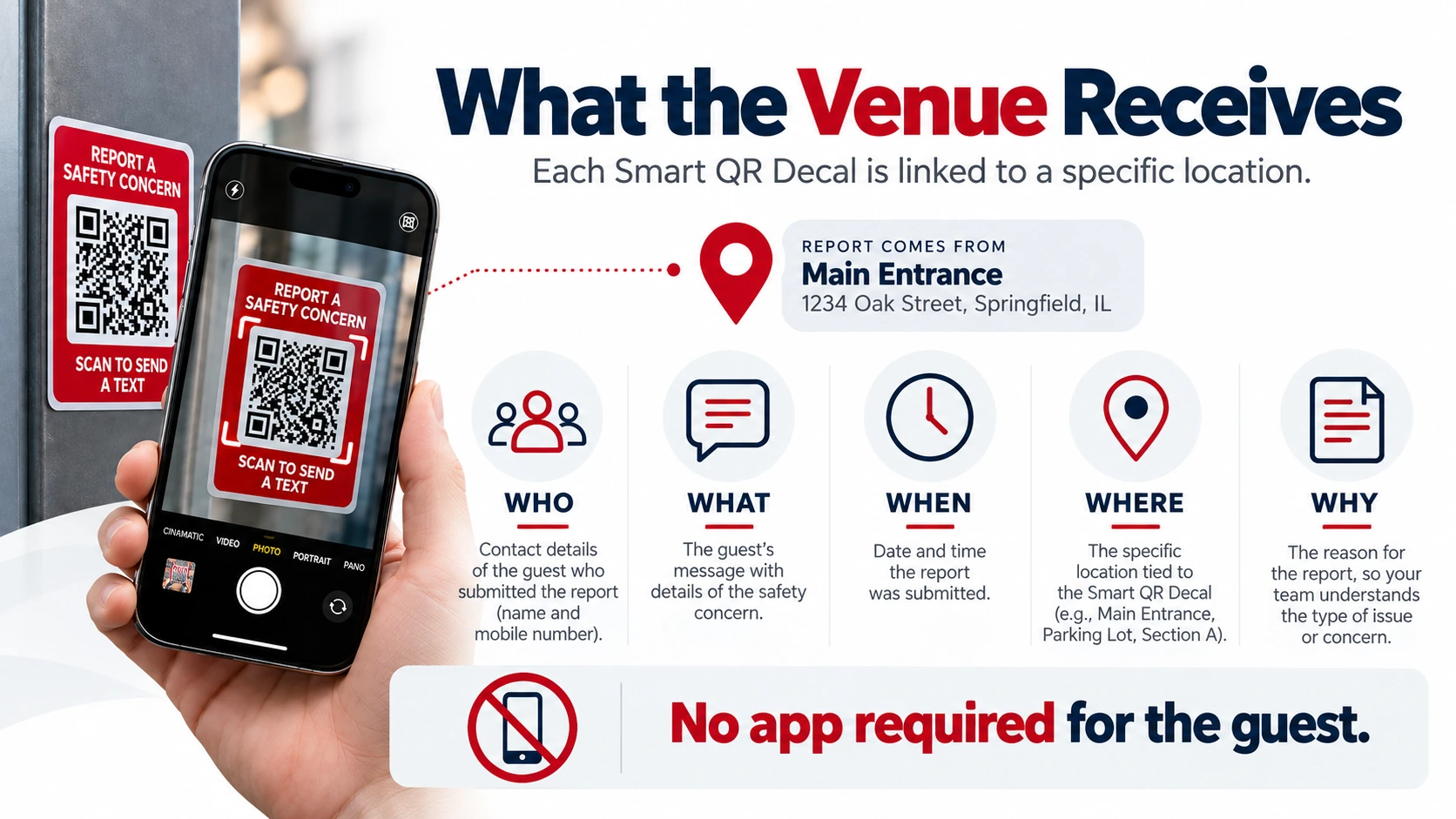
The user can add information describing what they see and then press SEND. Within seconds, the report is delivered to the organization's designated response personnel. The report can provide the WHO, WHAT, WHEN, WHERE and WHY, and the sender's mobile number allows authorized personnel to contact the user if additional information is needed.
Each Smart QR Decal is registered to a specific location. When a report is submitted, the organization can identify where the report originated and receive information that helps answer the WHO, WHAT, WHEN, WHERE and WHY of the request.
This helps security, operations, maintenance or other designated personnel determine what happened, where assistance may be needed and who should respond.
No App Required
The person submitting the report does not need to create an account or download, install or update a 33 ALERTS app.
33 ALERTS uses the smartphone camera and SMS text messaging functions already available on the phone. A cellular connection is required to send the SMS message.
Want to Know More?
Read our Frequently Asked Questions for more information about installation, reporting locations, response teams and system operation.
Or schedule a free demonstration and see how 33 ALERTS could work throughout your facility.